Mobile captitles for screening theatre show captions

Screen your surtitles to phones

A mobile app for theatregoers and audience members who want greater accessibility, clarity, and an enhanced live performance experience.

Introduction: How does it work

Setup Captitles desktop app for streaming mobile captions

How to do that is described in bigger detail on this page. We recommend you downloading the Captitles desktop app to test it out, as you read through this page.

Visitor of your show downloads the mobile app & pair with your show

The mobile app is ~35MB, so it's convenient to download even with mobile data. When spectators start the app, they'll see the options for pairing the app with your show.

Captions are synced on the go

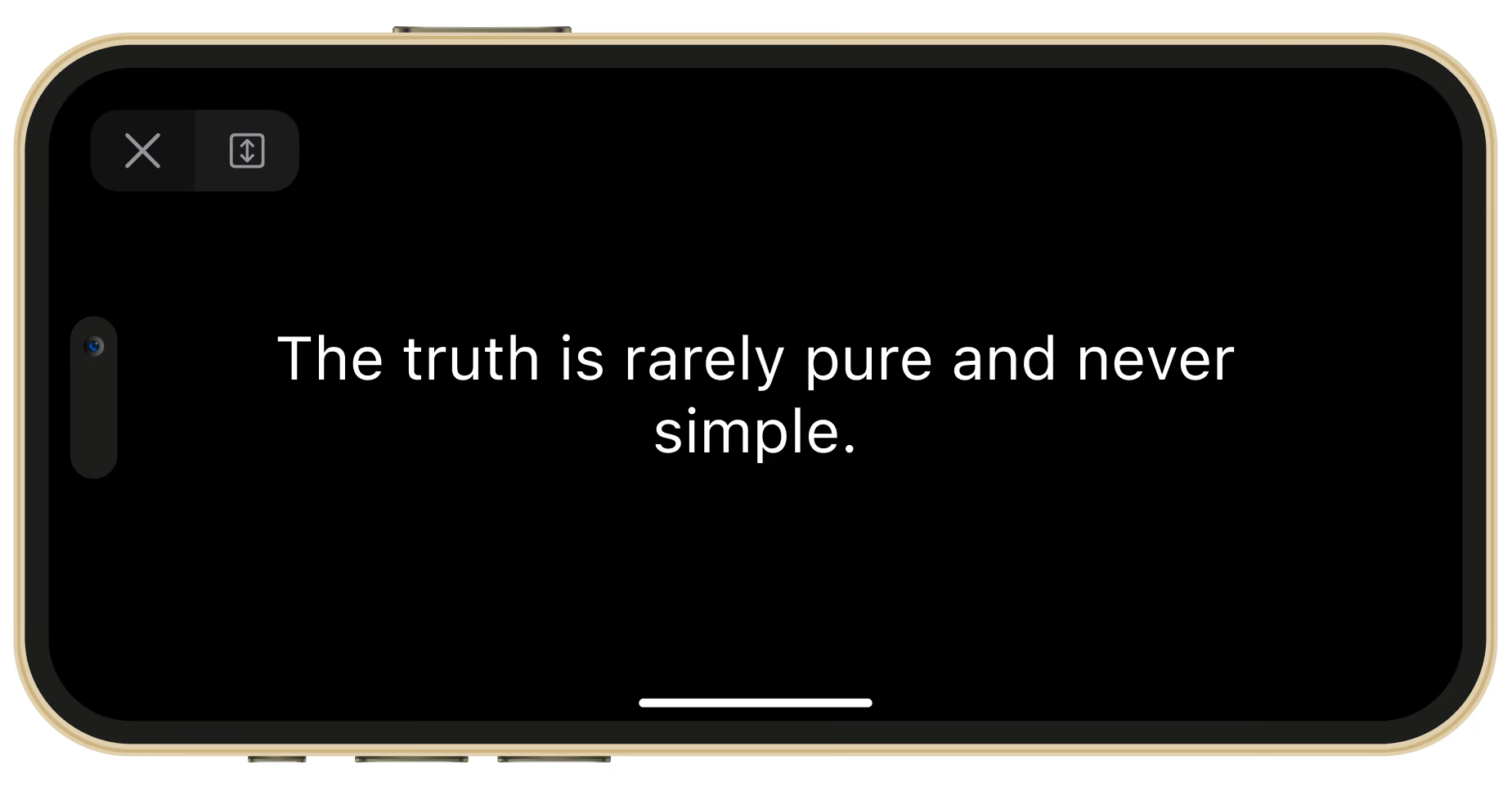
Mobile captioning uses the same source as captioning using TVs or projectors. You can even combine screening using TV or projector and mobile streaming. Mobile streaming can also work without screening on TVs or projectors.

Pairing methods

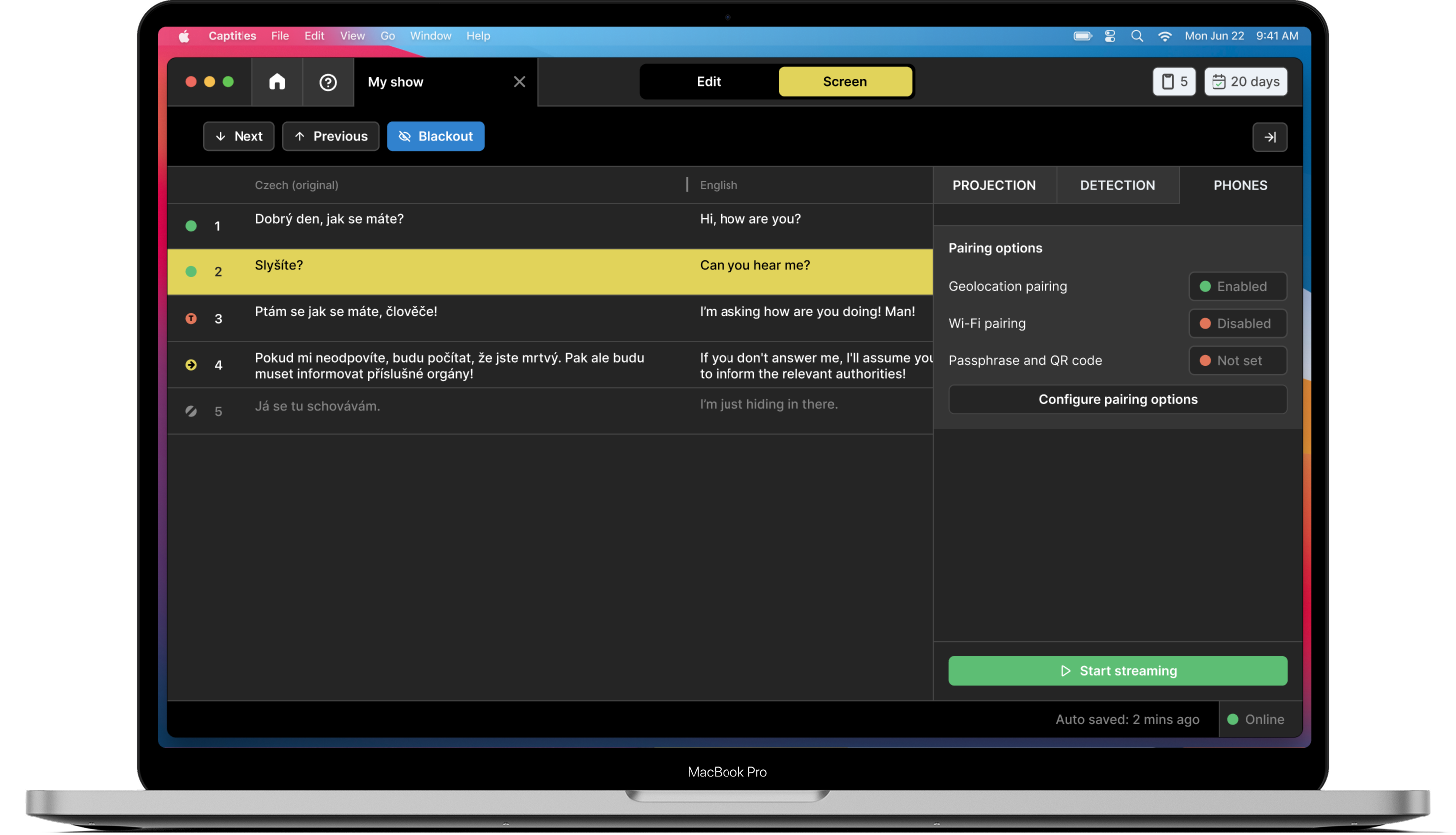
In order to give your spectators access to the captions, they need to download the app and pair it with your show. There are 3 methods available. You can enable some of them, or all (recommended).
Pair using location

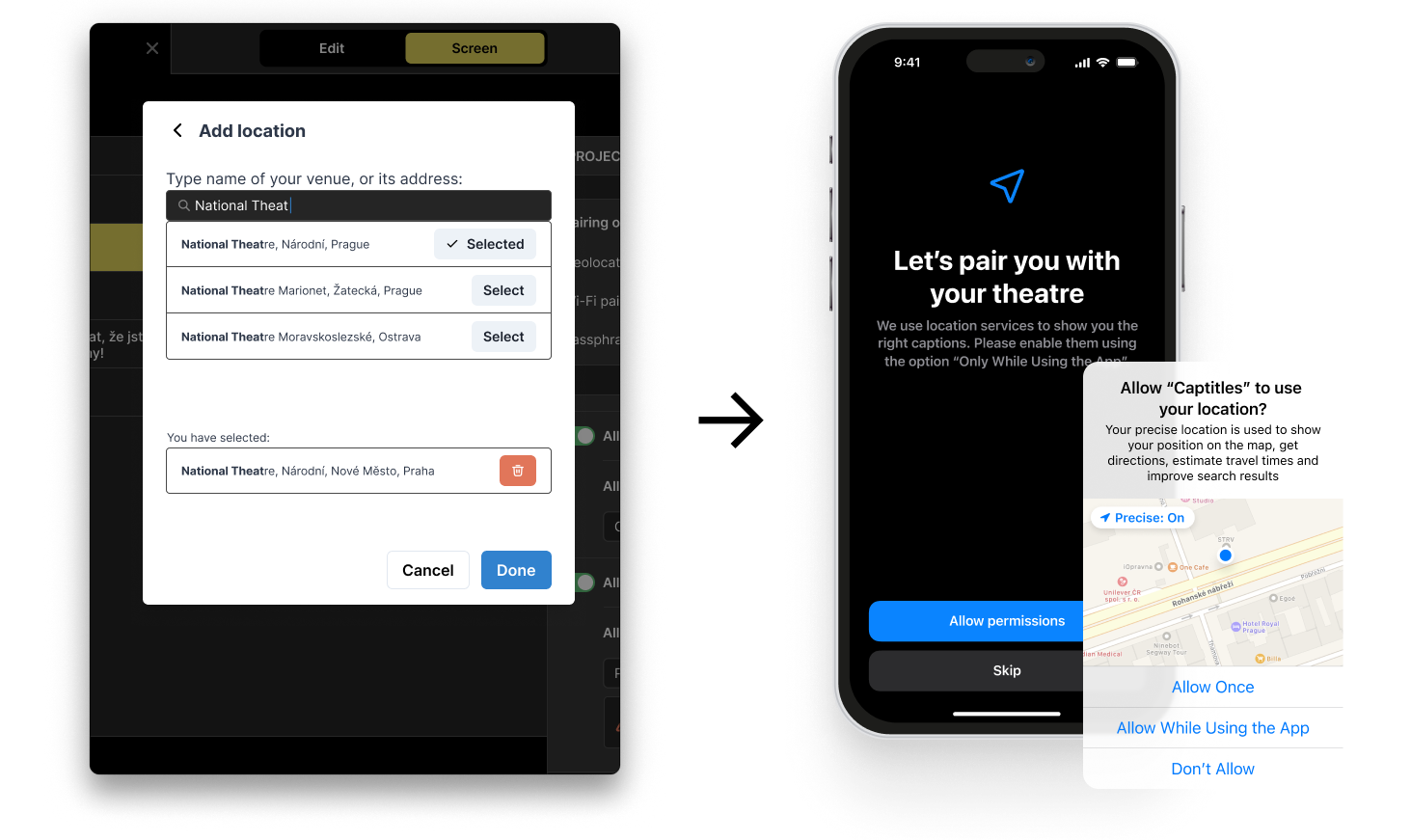
Pairing method #1: Geolocation

In the Captitles Desktop app, set your venue location and enable this option as a pairing method. Spectators who grant location permission in the app will automatically gain access to the stream of your captions upon arriving at your venue.
Fast to setup and most convenient for your spectators
Your location is easy to update, when you host in different venue
Secure, as access is gained only to users within ~200m
Available only when you start streaming your captions
Pair using Wi-Fi

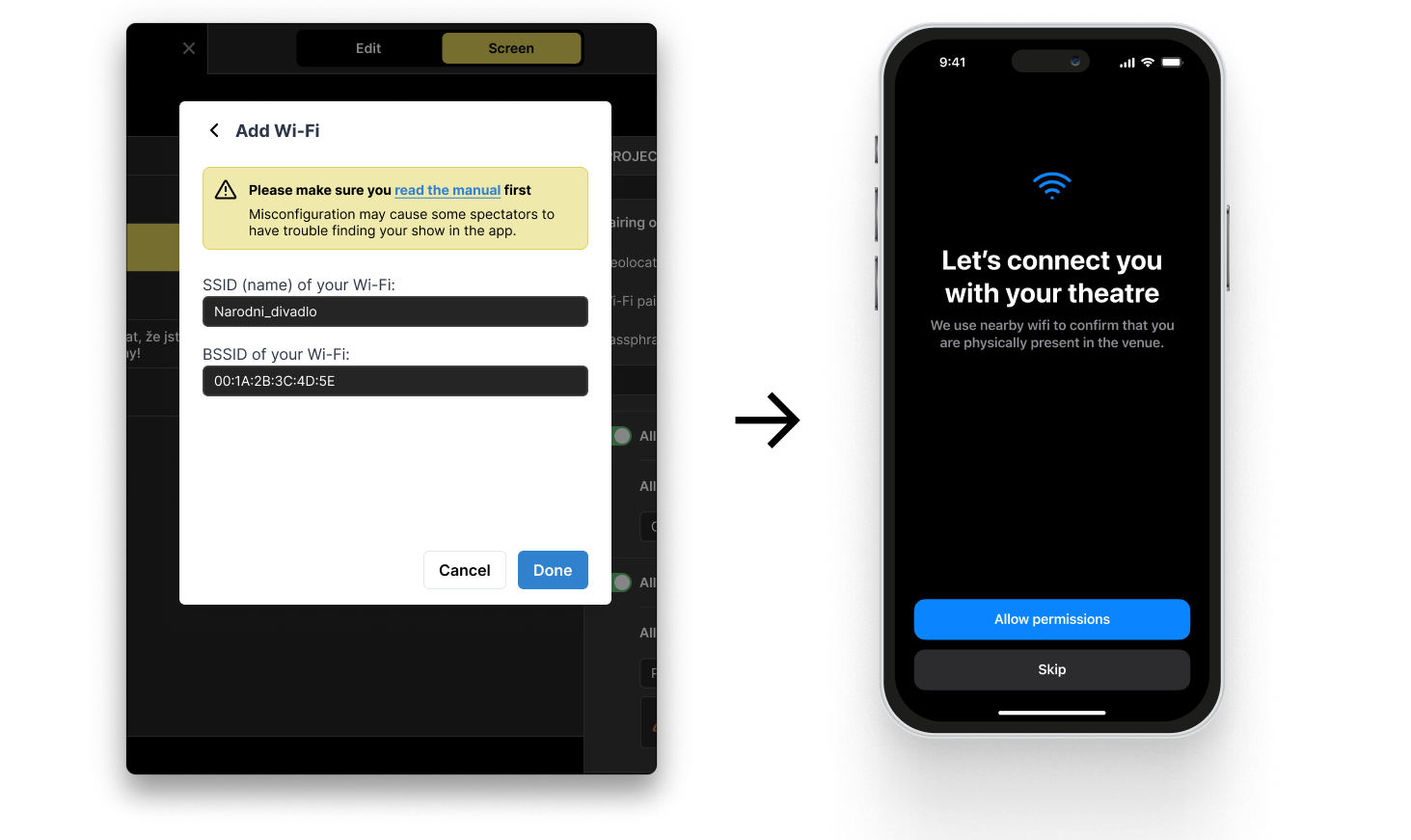
Pairing method #2: Wi-Fi-based pairing

Use your venue’s Wi-Fi network to automatically pair visitors with the correct performance. Once they are nearby, the app detects the network and instantly provides access to live captions - no codes or manual setup required. Spectators do not have to be connected to your Wi-Fi in order to use this pairing method.
Additional pairing method useful for Android users
Handy for old venues where location on older Android phones may not be precise
Easy to update and available only when you start streaming your captions
Android only
Due to the limitations of iOS
Pair using QR code and/or passphrase

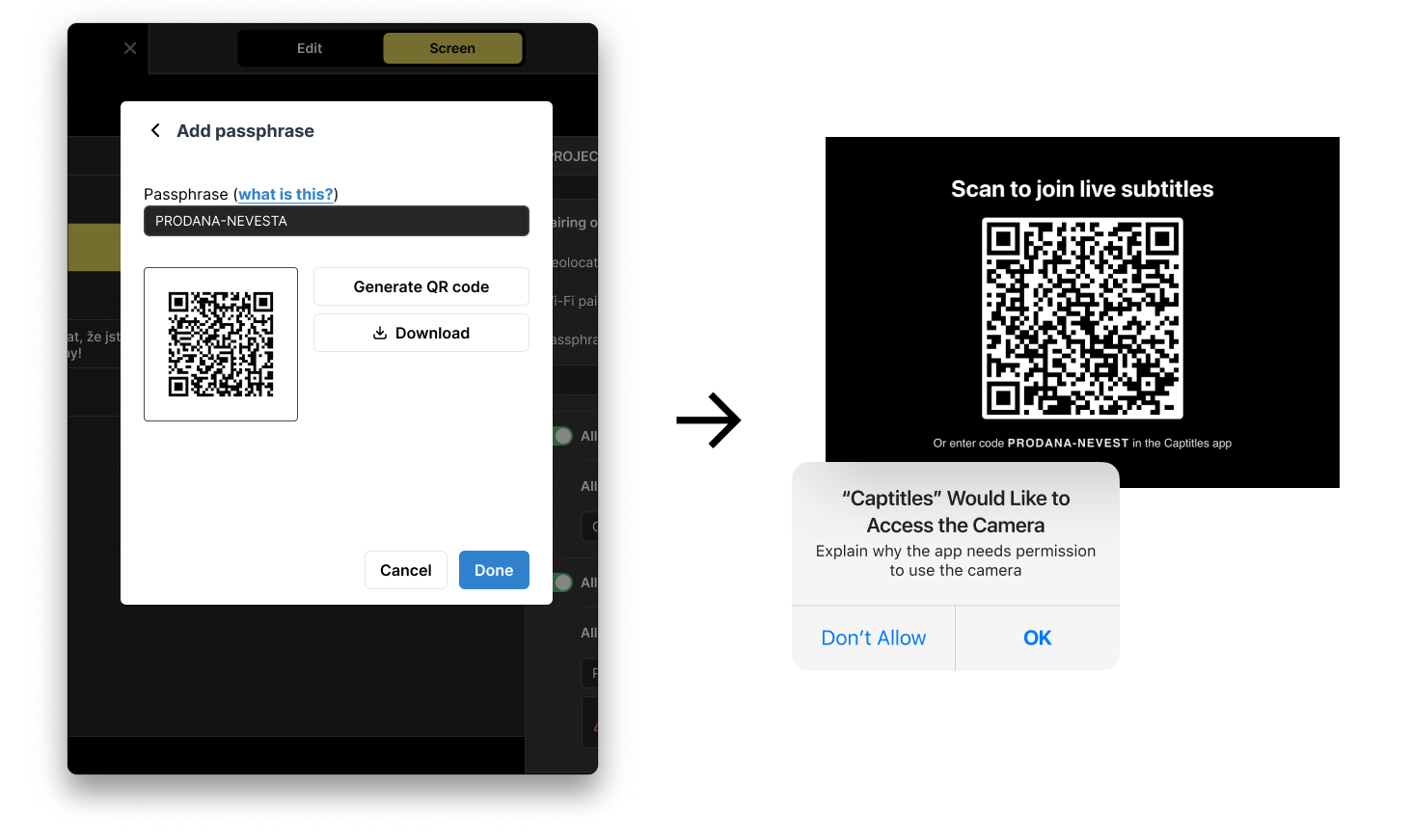
Pairing method #3: QR code and passphrase

In the Captitles Desktop app, set your passphrase and enable this option as a pairing method. This is usually your go-to method. Spectators have to either scan a QR code or type in your passphrase, in order to gain access to the stream of your captions.
Least convenient for your spectators, but most traditional
When enabled, QR code is automatically added as your first caption in Captitles
May be printed on ticket or screened using projector or TV
Available only when you start streaming your captions
MacBook mockup

Configure once, start streaming with single click

Once configured (per show), it's fast to start just when spectators are arriving at your venue.